
I already had Ollama and Open WebUI running on my Ubuntu VM. This time I added LibreChat alongside them, pointed at the same little gemma3:1b model.
Like the rest of this series, it's built in my home lab: no GPU, no paid model API, and no need to replace the chat UI I already had. The extra work was mostly configuration files, plus two startup issues worth keeping in the post.
The lab setup
- VM: Ubuntu 26.04.1 LTS, 8 vCPU, 16 GiB RAM, no GPU. The Xeon CPU it sees has AVX but no AVX2.
- Already installed: Docker Engine 29.9.2 and Compose v5.6.0 (from the Open WebUI post), and Ollama 0.40.7 with the 806 MB
gemma3:1bmodel. - New: LibreChat v0.8.8 from the official Docker guide, on port 3080.
If you need that foundation first, start with my Ollama on Ubuntu post. My VM's LAN IP is 192.168.88.16; swap in yours.
Step 1: Clone LibreChat and create the .env
These commands run on the Ubuntu VM:
time git clone https://github.com/LibreChat-AI/LibreChat.git ~/LibreChat
cd ~/LibreChat
cp .env.example .env
The full clone took 2m37.218s. My user couldn't reach the Docker socket (permission denied), so the Docker commands below use sudo.
For a fresh install, I saved the following as ~/llmbits-configure-librechat.py. It sets my LAN URLs and user IDs, enables only custom endpoints, creates the bind-mount directories, and generates unique app secrets without printing them. Replace my IP with yours, and run it once during initial setup: regenerating secrets on an existing install can invalidate sessions and stored credentials.
from pathlib import Path
import os, re, secrets
os.chdir(Path.home() / 'LibreChat')
p = Path('.env')
s = p.read_text()
values = {
 'UID':str(os.getuid()), 'GID':str(os.getgid()),
 'DOMAIN_CLIENT':'http://192.168.88.16:3080',
 'DOMAIN_SERVER':'http://192.168.88.16:3080',
 'ENDPOINTS':'custom', 'DEBUG_LOGGING':'false',
 'CREDS_KEY':secrets.token_hex(32), 'CREDS_IV':secrets.token_hex(16),
 'JWT_SECRET':secrets.token_hex(32), 'JWT_REFRESH_SECRET':secrets.token_hex(32),
 'MEILI_MASTER_KEY':secrets.token_hex(32),
}
for k,v in values.items():
 pattern = rf'(?m)^#?\s*{re.escape(k)}=.*$'
 s = re.sub(pattern, f'{k}={v}', s) if re.search(pattern,s) else s + f'\n{k}={v}\n'
p.write_text(s)
p.chmod(0o600)
for d in ['images','uploads','logs','skill','data-node','meili_data_v1.35.1']:
 Path(d).mkdir(exist_ok=True)
print('Configured UID/GID, LAN URLs, custom endpoint only, debug off; generated secrets without printing them.')
python3 ~/llmbits-configure-librechat.py
Keep that .env private.
Step 2: Let the container reach Ollama
My first check showed Ollama listening on 127.0.0.1:11434. Open WebUI is fine with that because its container uses host networking. LibreChat runs on a Docker bridge network, where localhost is the container itself, so it needs a route to the host.
I saved this as ~/llmbits-ollama-host.conf:
[Service]
Environment="OLLAMA_HOST=0.0.0.0:11434"
Then installed it as a systemd drop-in, applied it, and checked the listener:
sudo install -d /etc/systemd/system/ollama.service.d
sudo install -m 644 /home/j/llmbits-ollama-host.conf /etc/systemd/system/ollama.service.d/llmbits-librechat.conf
sudo systemctl daemon-reload
sudo systemctl restart ollama
sudo ss -lntp | grep 11434
The listener changed to *:11434. Be aware this exposes Ollama's unauthenticated API to anything that can reach the VM. My firewall was inactive; I kept this on my home LAN with no public forwarding or tunnel. Open WebUI kept working over loopback.
The upstream Compose file already maps host.docker.internal:host-gateway, so I didn't need to add that myself.
Step 3: Add the Ollama endpoint
Following the official Ollama endpoint example, I created ~/LibreChat/librechat.yaml:
version: 1.3.17
cache: true
endpoints:
  custom:
    - name: "Ollama"
      apiKey: "ollama"
      baseURL: "http://host.docker.internal:11434/v1/"
      models:
        default: ["gemma3:1b"]
        fetch: true
      titleConvo: true
      titleModel: "current_model"
      summarize: false
      modelDisplayLabel: "Ollama"
ollama is a placeholder key, since local Ollama doesn't need one. fetch: true discovers the installed models, and titleModel: current_model reuses the same model for conversation titles.
Next, ~/LibreChat/docker-compose.override.yml, using the documented override mechanism:
services:
  api:
    ports: !override
      - "192.168.88.16:3080:3080"
    volumes:
      - type: bind
        source: ./librechat.yaml
        target: /app/librechat.yaml
        read_only: true
  admin-panel:
    profiles: ["admin"]
The bind mount makes the YAML visible inside LibreChat, and !override replaces the upstream port mapping so the UI binds only to the VM's LAN address.
One more catch in the current repo: the optional admin panel also wants port 3000, where Open WebUI already lives. Putting it behind the admin profile keeps it out of the default launch. I left the upstream Compose file untouched.
Step 4: Pull and start the stack
cd ~/LibreChat
sudo docker compose config --quiet
time sudo docker compose --ansi never --progress plain pull
time sudo docker compose --ansi never --progress plain up -d
sudo docker compose ps
The pull took 4m17.986s. Creating and starting the containers took 2.006s, and the app needed a few more seconds to become ready. Those are separate things.
A short excerpt from the real launch:
 Container chat-mongodb Started
 Container chat-meilisearch Started
 Container rag_api Started
 Container LibreChat Started
Compose brought up five services: LibreChat, MongoDB, Meilisearch, the RAG API, and PostgreSQL with pgvector. MongoDB 8.0.20 started fine on this AVX-only, no-AVX2 VM. I didn't need an older database version.
The checkout and images took my free disk from 84G to 75G (rounded df readings). The LibreChat image alone reported 4.43 GB and the RAG API lite image 2.52 GB. That's container images, not model downloads.
Startup fix 1: the scheduler
The UI was reachable, but the log had this:
[schedules] scheduler NOT started: this process cannot see other replicas' generations.
This deployment has one LibreChat instance and no shared Redis stream store, and the log said to assert that explicitly:
printf "\nSCHEDULES_SINGLE_PROCESS=true\n" >> .env
time sudo docker compose --ansi never --progress plain up -d
time sudo docker compose restart api
The up recreated the RAG container but left the API running. The API reads a bind-mounted .env, so it needed the explicit restart to pick up the change. Afterward:
[schedules] engine started
Server readiness checks passing.
That setting is only for a single-process deployment. I verified startup; I didn't test scheduled tasks.
Startup fix 2: logged out on every reload
A later reload check found a second issue: login worked, but refreshing the page over my plain-HTTP LAN URL sent me back to the login screen. The repo's .env.example documents a setting for exactly this, HTTP-only deployments where the browser drops Secure cookies:
printf "\nSESSION_COOKIE_SECURE=false\n" >> .env
time sudo docker compose restart api
That's a concession to a plain-HTTP LAN demo. On an HTTPS deployment I'd keep secure cookies on. After the change I logged in, reloaded the saved conversation URL, and the completed replies were still there.
Check Ollama from inside the container
This check matters more than a curl from the host. From my check script:
sudo docker exec LibreChat node -e 'fetch("http://host.docker.internal:11434/v1/models").then(async r=>{console.log("Ollama from LibreChat container: HTTP",r.status); console.log(await r.text())})'
Ollama from LibreChat container: HTTP 200
{"object":"list","data":[{"id":"gemma3:1b","object":"model","created":1792556913,"owned_by":"library"}]}
Step 5: Open the UI and chat
From my Mac, I opened http://192.168.88.16:3080.
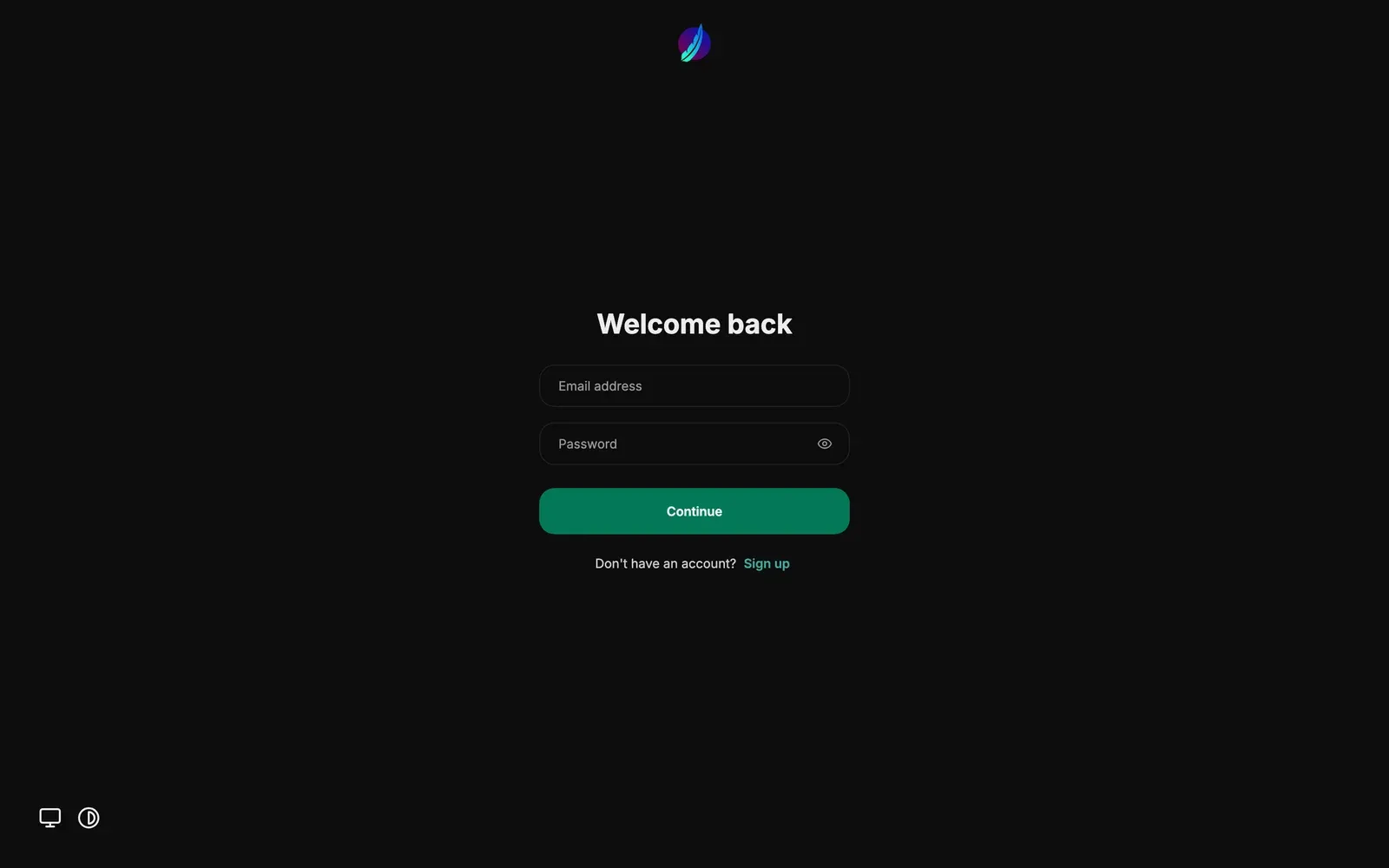
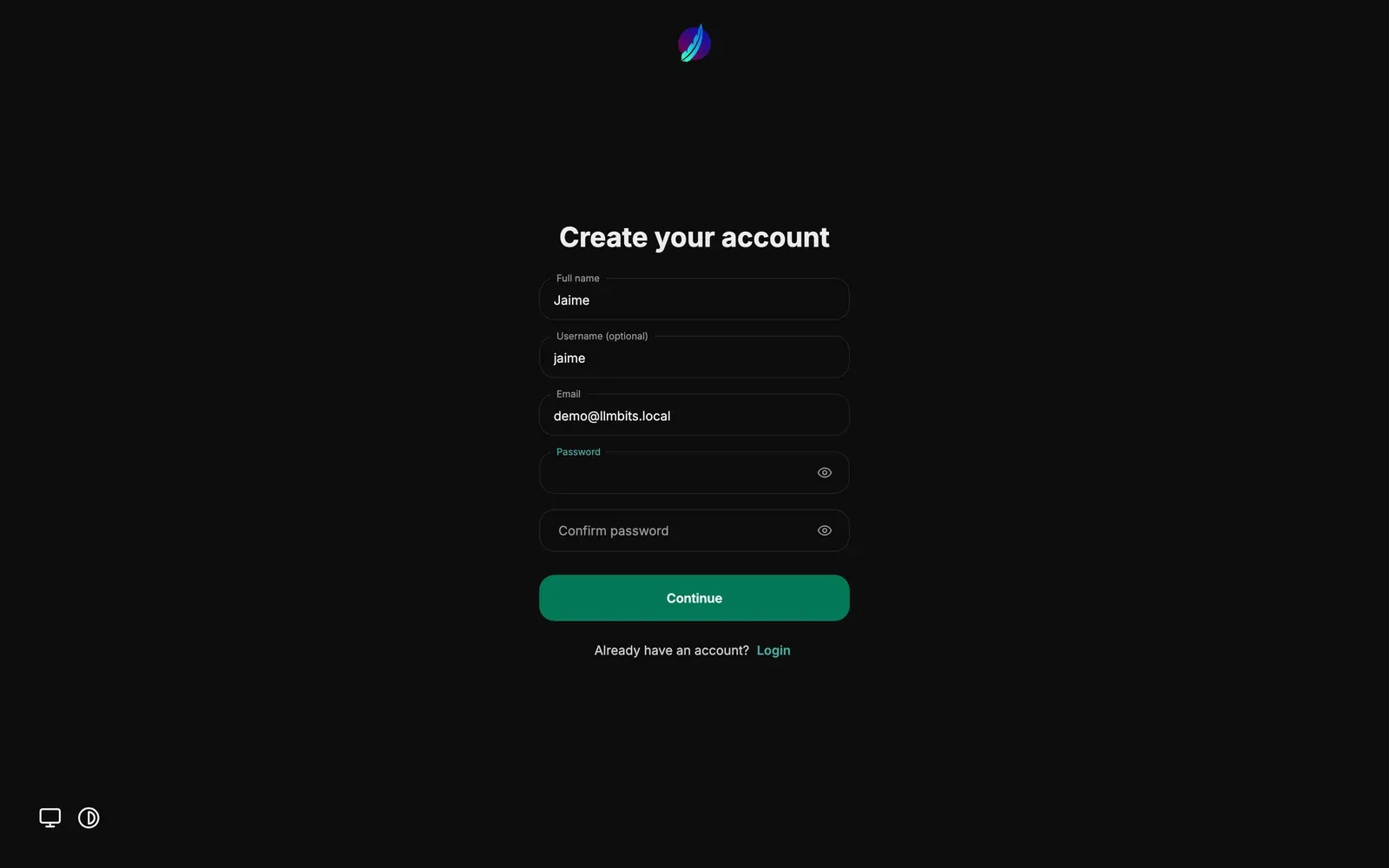
I registered a demo account named Jaime with demo@llmbits.local, then logged in. Registration and login both returned HTTP 200.
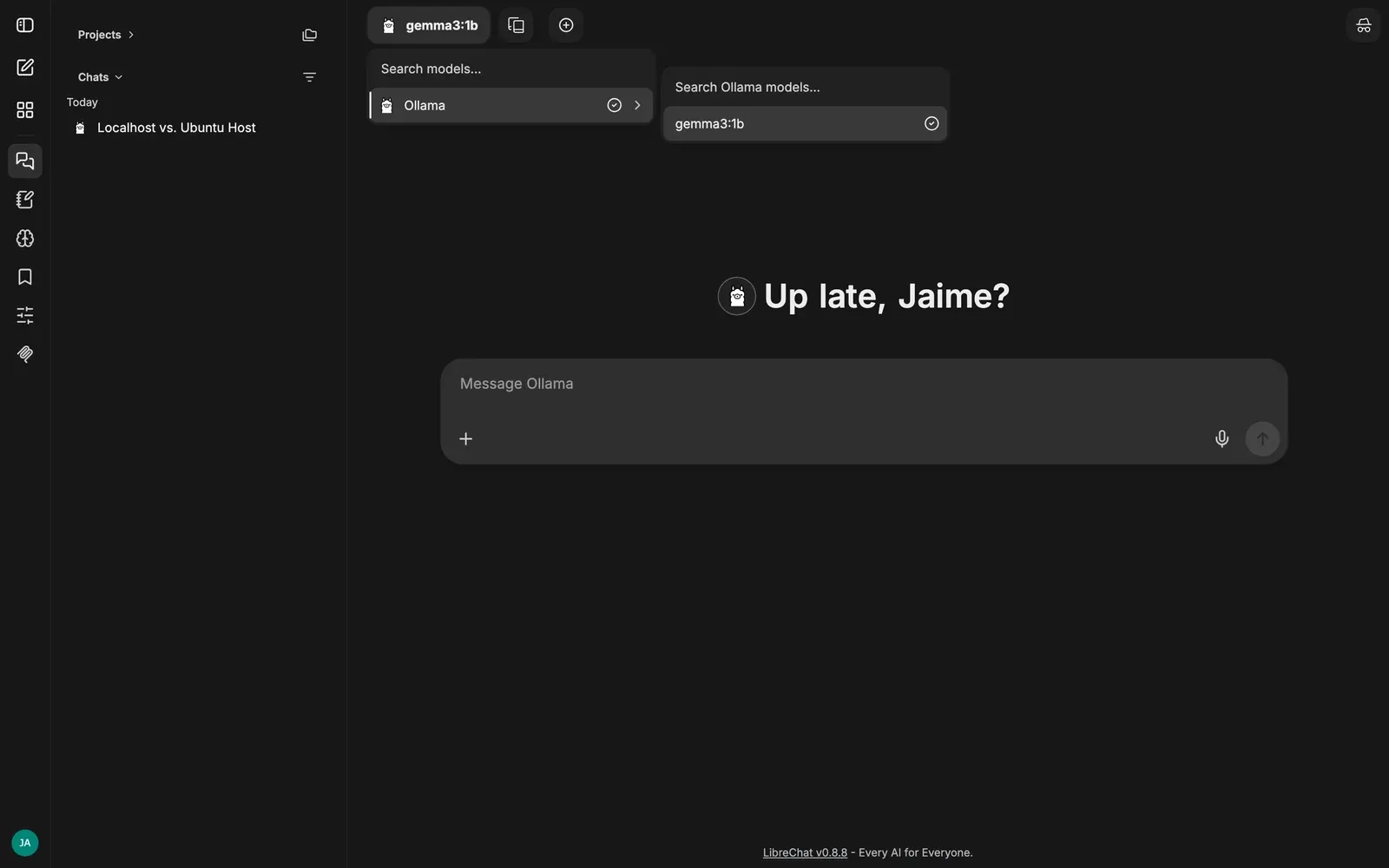
The model menu showed Ollama → gemma3:1b, and I picked it there.
My first prompt: "In three short bullets, explain why localhost inside a Docker container is not the Ubuntu host." A fitting question, given Step 2.
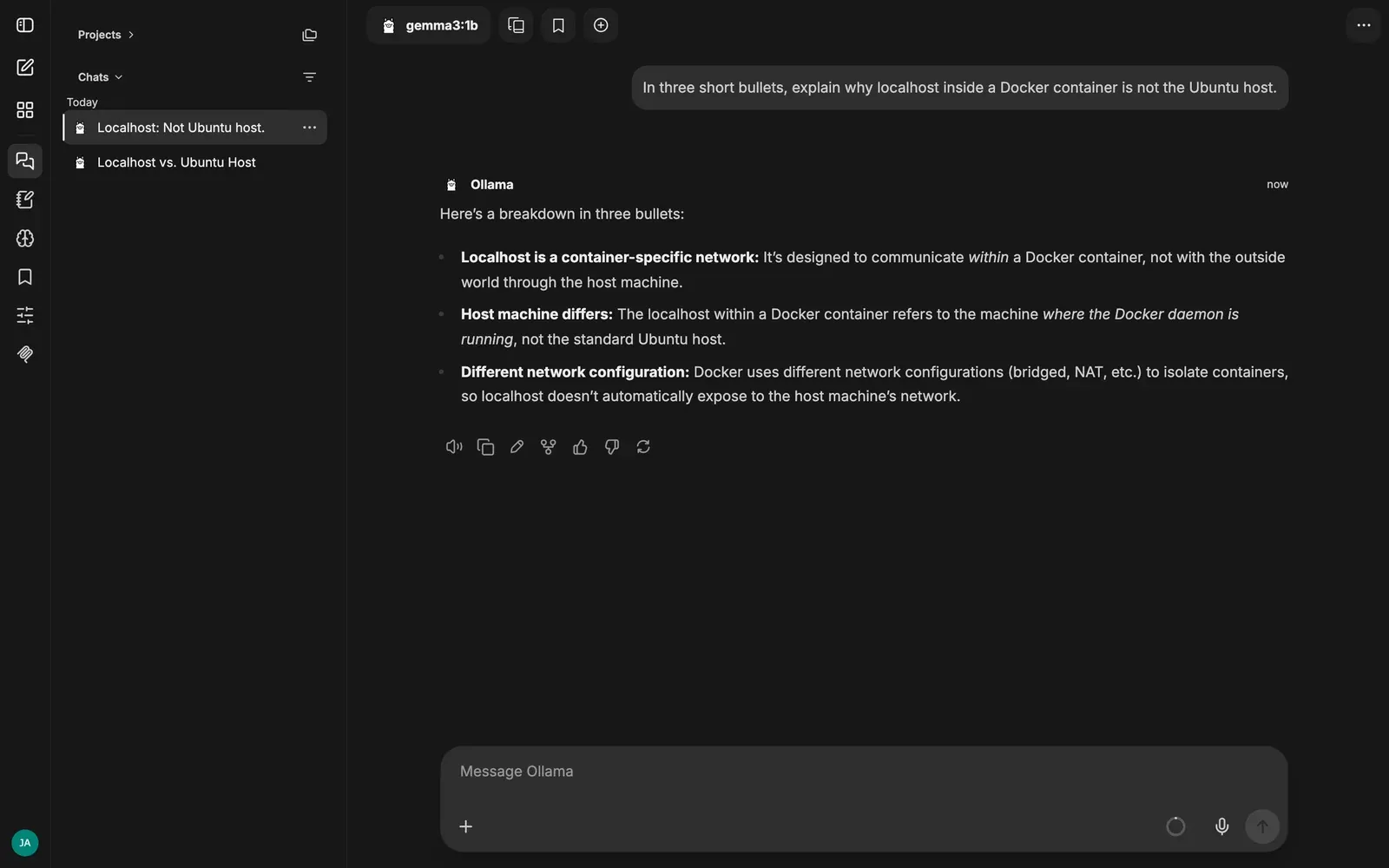
The reply arrived, but its second bullet was wrong: it claimed localhost inside a container refers to the machine running the Docker daemon. On this bridge network, localhost is the container's own loopback, and the host gateway mapping is how LibreChat reaches Ollama. Docker's networking docs explain the isolation; host networking is the different setup my Open WebUI container uses.
I've left that mistake in the post. A working chat connection doesn't make a 1B model a networking reference.
I followed up in the same conversation, asking it to finish "LibreChat talks to Ollama through..." in under 20 words. Its exact answer:
LibreChat talks to Ollama via a dedicated API endpoint.
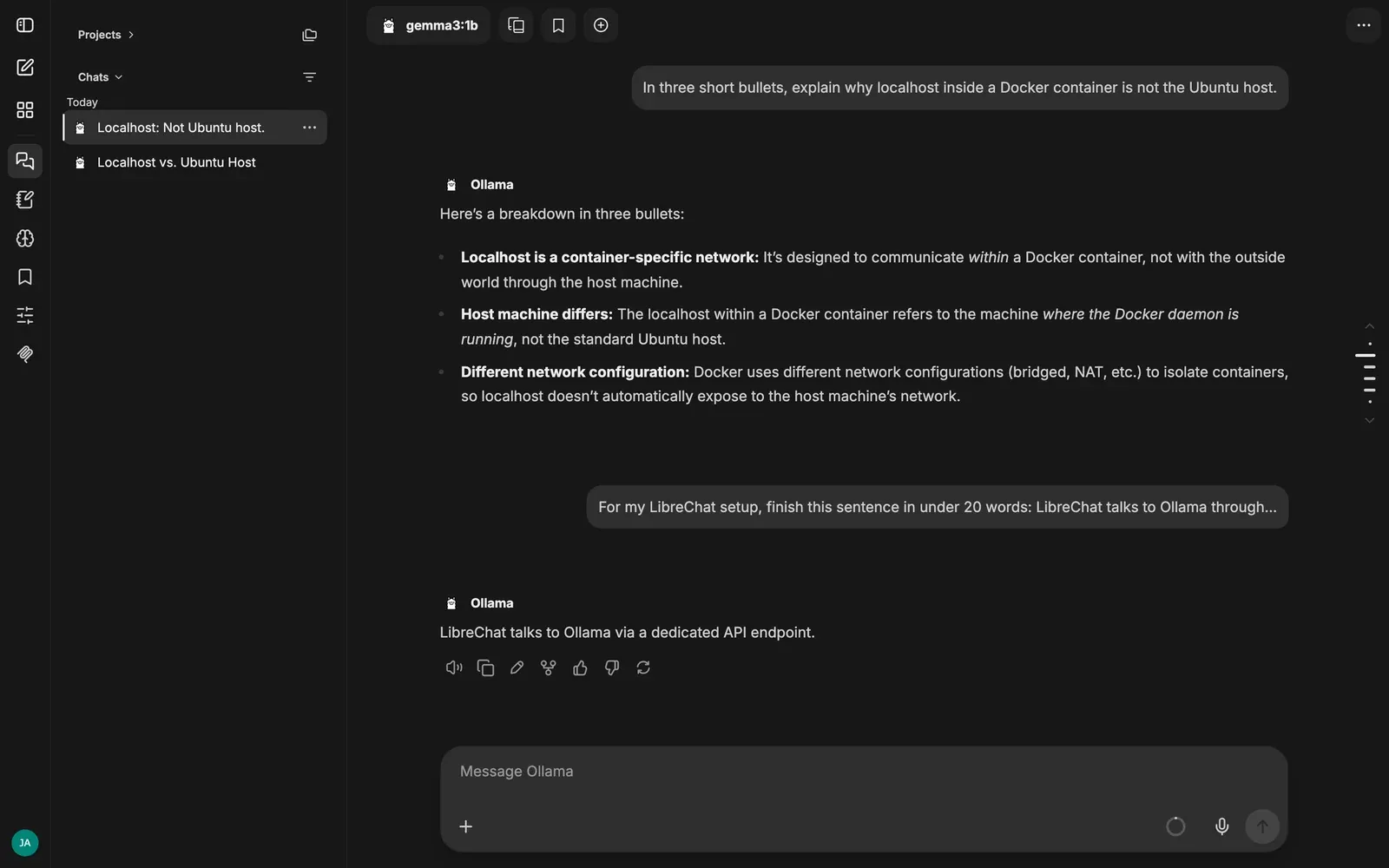
My browser capture measured 8.538 seconds for the first turn and 5.430 seconds for the second, including UI checks and a 1.5-second settling wait each time. Those are capture timings, not inference benchmarks.
I also opened the parameters drawer. Custom instructions, sampling controls, token limits and Save As Preset all sit right next to the conversation.
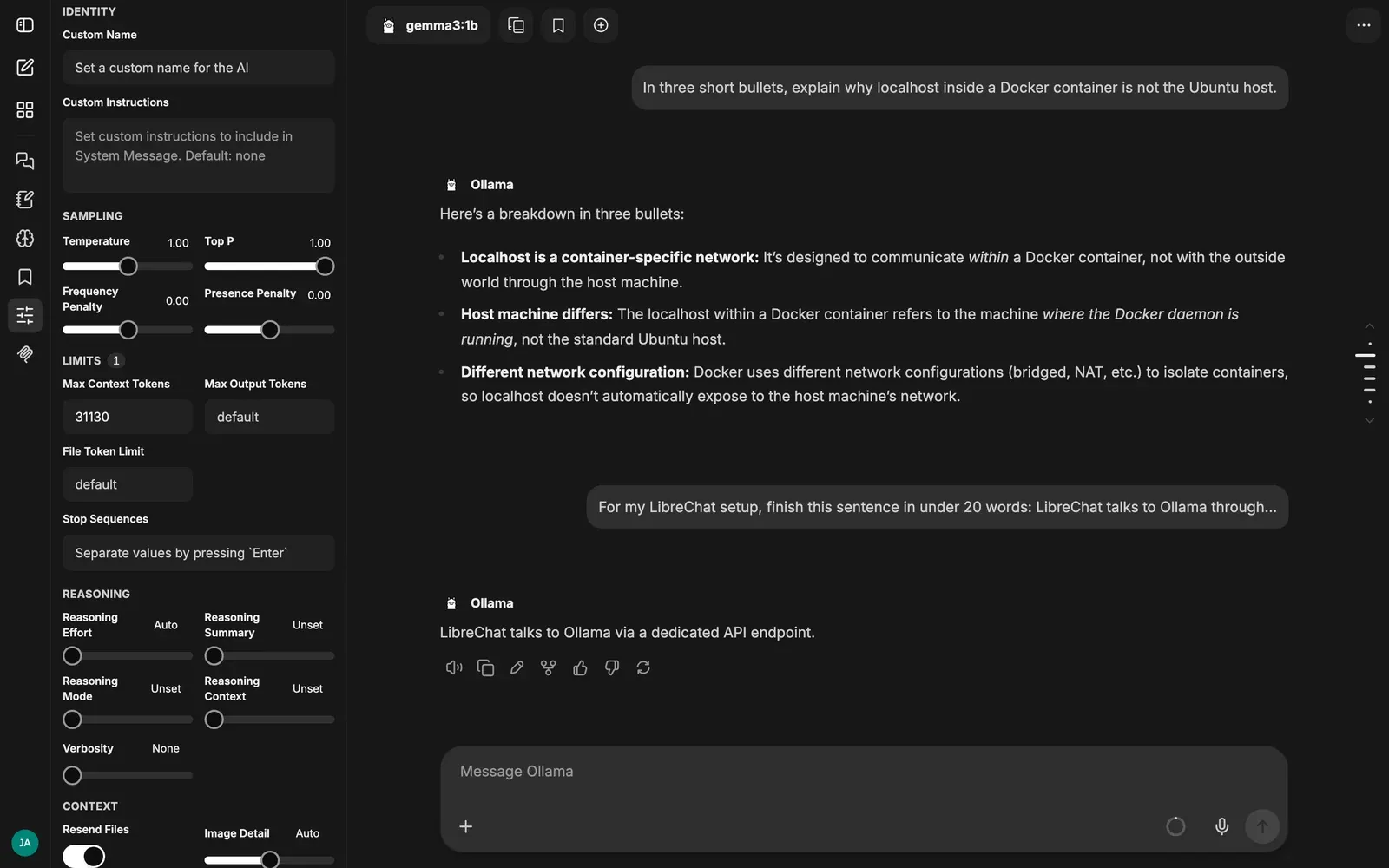
One detail to watch: the drawer showed a Max Context Tokens value of 31130, while ollama ps showed the loaded model actually running with a 4,096-token context. I trust the backend number. This short chat didn't test long-context behavior.
What it costs next to Open WebUI
I left both interfaces running and took a snapshot after the chat:
sudo docker stats --no-stream
free -h
ollama ps
sudo systemctl show ollama -p MemoryCurrent
| Component | Memory after chat |
|---|---|
| LibreChat API | 419.4 MiB |
| MongoDB | 155.6 MiB |
| Meilisearch | 75.66 MiB |
| RAG API | 174.2 MiB |
| PostgreSQL/pgvector | 28.96 MiB |
| LibreChat stack total | 853.82 MiB |
| Existing Open WebUI container | 307.8 MiB |
Ollama runs outside Docker and is extra: about 1.17 GiB for the service with the model loaded. The VM still reported 13 GiB available and no swap in use. These are one-machine snapshots of two different service bundles, not a general ranking.
On this box, Open WebUI's single container has fewer moving parts and used less RAM. LibreChat took a repo clone, an environment file, endpoint YAML, a Compose override and two .env fixes. In return, I liked having the conversation history, model menu and parameters drawer right there. I didn't run a controlled head-to-head chat test between the two.
The bundled RAG API is running, but its default embeddings backend is OpenAI. I didn't configure file search or test document uploads, so this post is about local chat through Ollama only.
Both UIs returned HTTP 200 at the end, and the Open WebUI container stayed healthy. LibreChat is still running on port 3080, with Open WebUI on 3000.
Quick recap
- LibreChat v0.8.8 via the official Docker Compose setup, five containers.
- Bridge-network containers can't use the host's
127.0.0.1. I bound Ollama to0.0.0.0with a systemd drop-in and usedhost.docker.internal. - Use a
docker-compose.override.ymlfor the port and thelibrechat.yamlmount, and park the admin panel behind a profile if port 3000 is taken. - Single instance? Set
SCHEDULES_SINGLE_PROCESS=trueand restart theapiservice. - Plain HTTP on a LAN?
SESSION_COOKIE_SECURE=false, or you'll be logged out on every reload. - Roughly 854 MiB for the LibreChat stack vs about 308 MiB for Open WebUI, on this VM.
Next in the series: Crawl4AI, where I move from chatting with a model to feeding it a real web page.